


7 Reasons This GPS Head-Up Display Makes Driving Safer, Clearer, And Easier In Seconds

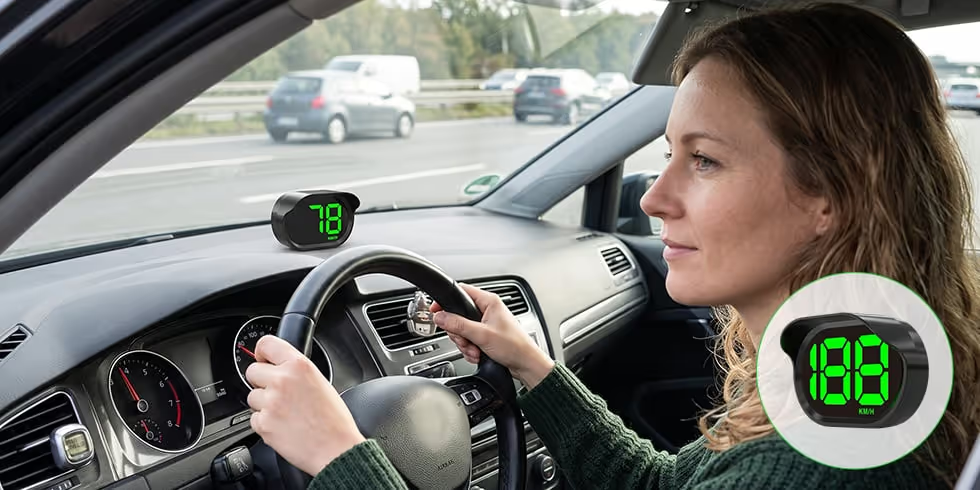
If you keep glancing down at your dashboard to check your speed… if your older vehicle’s instrument lights are dim or hard to read… if you hate complicated car gadgets that require wiring, apps, or mechanic-level installation… then this compact GPS HUD gives you a simpler way to keep speed information directly in your line of sight.

1. Helps Reduce “Dashboard Glance Delay” While You Drive
Every time you look down at your speedometer, your eyes leave the road. The GPS Head-Up Display gives you a large, easy-to-read digital speed display on your dashboard, so you can check your speed with a quick glance instead of looking down at your instrument cluster.
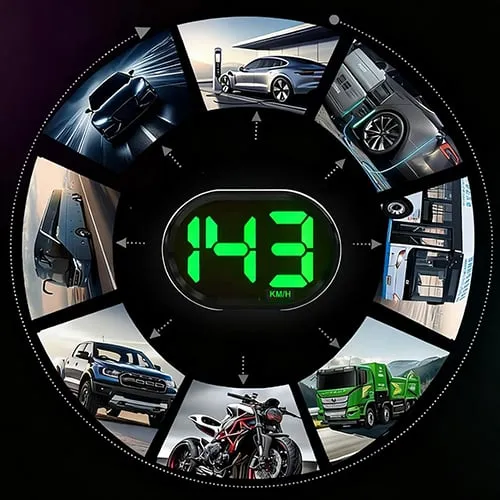
2. Works Without OBD2 Wiring Or Vehicle Compatibility Headaches
This HUD uses a built-in GPS chip to calculate speed, making it suitable for cars, trucks, RVs, EVs, buses, and motorcycles without complicated vehicle diagnostics or special wiring.
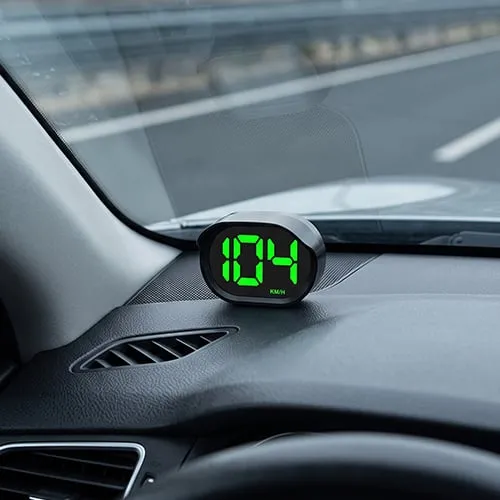
3. True Plug & Play Setup In Minutes
No tools. No mechanic. No dashboard disassembly. Just place the included anti-slip mat on your dashboard, set the HUD on top, connect the USB Type-C cable, and start your vehicle.
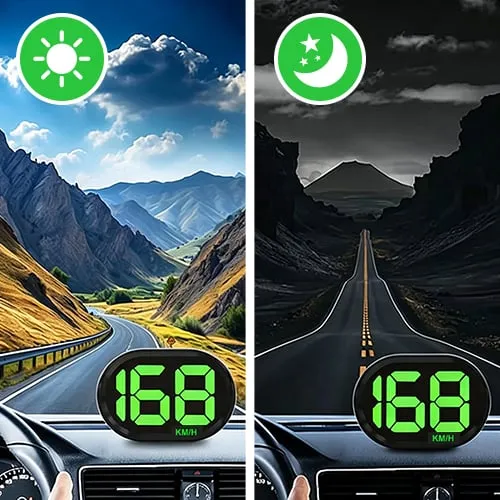
4. Auto Brightness Keeps The Display Clear Day Or Night
This HUD includes an intelligent light sensor that automatically adjusts brightness based on surrounding light. It stays visible in daylight and dims at night to help reduce eye strain.

5. Anti-Glare Screen Hood Helps Prevent Annoying Reflections
This model has an integrated screen hood that helps block strong light from hitting the display, keeping the digital readout crisp and reducing distracting glare.
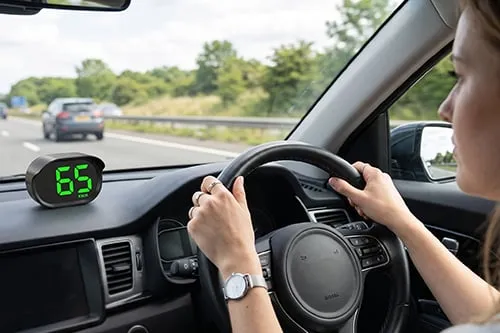
6. Compact, Durable, And Built For Real Driving Conditions
The unit is made with high-temperature resistant ABS + PC material, designed for dashboard use where heat and sunlight are common. Its compact body provides a clear display without taking over your dashboard space.
 Large HD LED display
 High-temperature resistant body
7. How To Use Your GPS Head-Up Display In 4 Simple Steps
Place The HUD
Attach the included anti-slip mat to your dashboard and place the HUD securely on top.
Connect The Cable
Plug the USB Type-C cable into the HUD and connect it to a stable 5V USB power source in your vehicle.
Start Your Vehicle
The HUD powers on and begins searching for a GPS signal. On first use, satellite connection may take a few minutes.
Drive & Read
Once GPS locks on, use the clear digital display to monitor speed with a quick glance.

WHY CHOOSE GPS HEAD-UP DISPLAY (HUD)
This compact GPS HUD gives drivers a clearer, simpler way to monitor speed, with plug-and-play setup, smart brightness, and broad vehicle compatibility.
| Feature | GPS Head-Up Display (HUD) | Ordinary Dashboard / Basic HUD |
|---|---|---|
| Speed Display |  Large HD speed Large HD speed |  Dim small gauges Dim small gauges |
| Compatibility | GPS, no OBD2 | Model dependent |
| Installation | USB plug & play | Wiring or tools |
| Brightness | Auto light sensor | Hard to read |
| Glare Reduction | Anti-glare hood | Reflective display |
| Vehicle Use | Broad vehicle fit | Connection limited |
| Speed Unit | KM/H or MPH | Less flexible |
It's Going Viral on Social Media




The Simple Way To See Your Speed Clearly
The GPS Head-Up Display gives you a clear digital speed readout using GPS, so you can upgrade your driving experience with simple USB power, auto brightness, and an anti-glare screen hood.
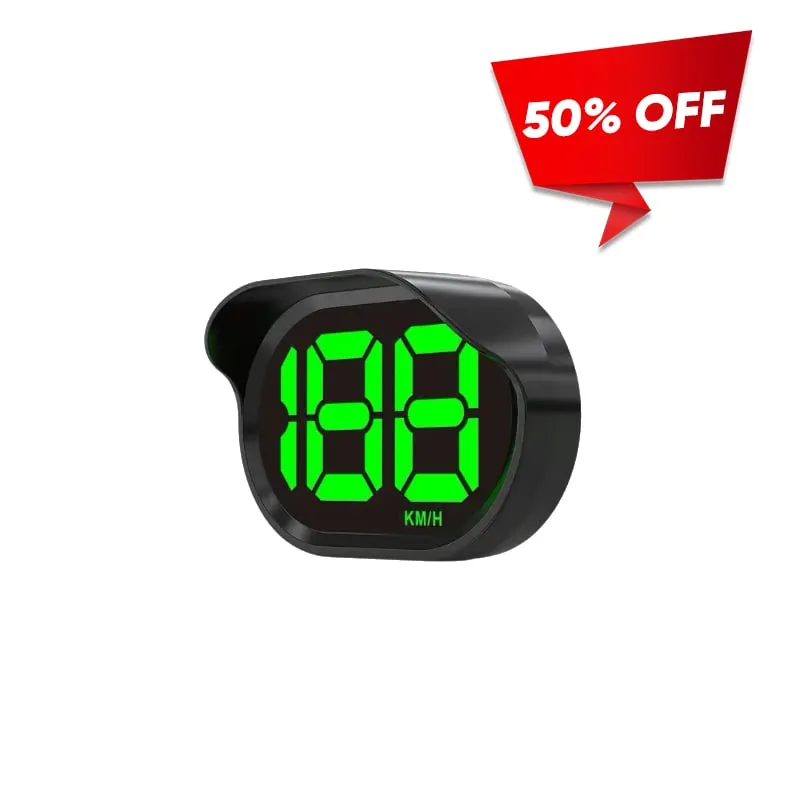
LIMITED TIME ONLY!
This limited-time deal is in high demand and stock keeps selling out.
GET 50% OFF →Try it today with a 90-Day Money Back Guarantee!
Comments